
Multi-Currency Support
Plan compensation in local currencies, roll up totals.
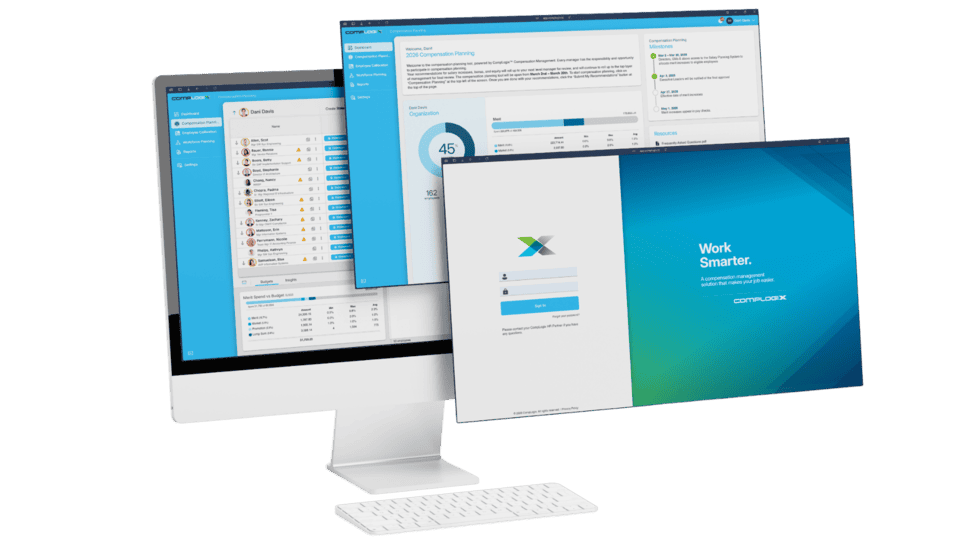
Multi currency support lets managers view and plan employee compensation in local currency, avoiding manual conversions and spreadsheet errors when teams operate across countries, and supports global programs with consistent rollups.
Plan locally, report consistently across regions
Managers enter recommendations in each employee’s currency while CompLogix handles conversion and pool updates, keeping leadership views consistent during approvals and rollups. Enter compensation changes in the employee’s currency.
Keep pool totals consistent across currencies
Convert automatically using rates you choose. Keep pools and rollups updated for tracking.
Where Multi-Currency Support fits
In CompLogix, users can administer compensation in an employee’s currency, while the system converts amounts using conversion rates you choose and updates pooled totals for reporting and budget tracking.
Frequently asked questions
Can managers plan in an employee’s local currency in CompLogix?
Yes. CompLogix lets users administer compensation changes in an employee’s currency, then converts values and updates the compensation pool so rollups remain consistent.
Does CompLogix support automatic currency conversion?
Yes. It can handle multiple currencies with automatic conversion based on conversion rates you choose, reducing manual currency work during planning cycles.
How does CompLogix keep compensation pools accurate across currencies?
CompLogix converts entries made in different currencies using selected rates and updates the compensation pool accordingly, so budget totals stay aligned during approvals and reporting.
What is Multi-Currency Support?
Multi currency support lets managers view and plan employee compensation in local currency, avoiding manual conversions and spreadsheet errors when teams operate across countries, and supports global programs with consistent rollups.
See Multi-Currency Support in your workflow
Get a tailored CompLogix walkthrough based on the programs, populations, and reporting needs that matter to your team.